Getting used to Linux systems
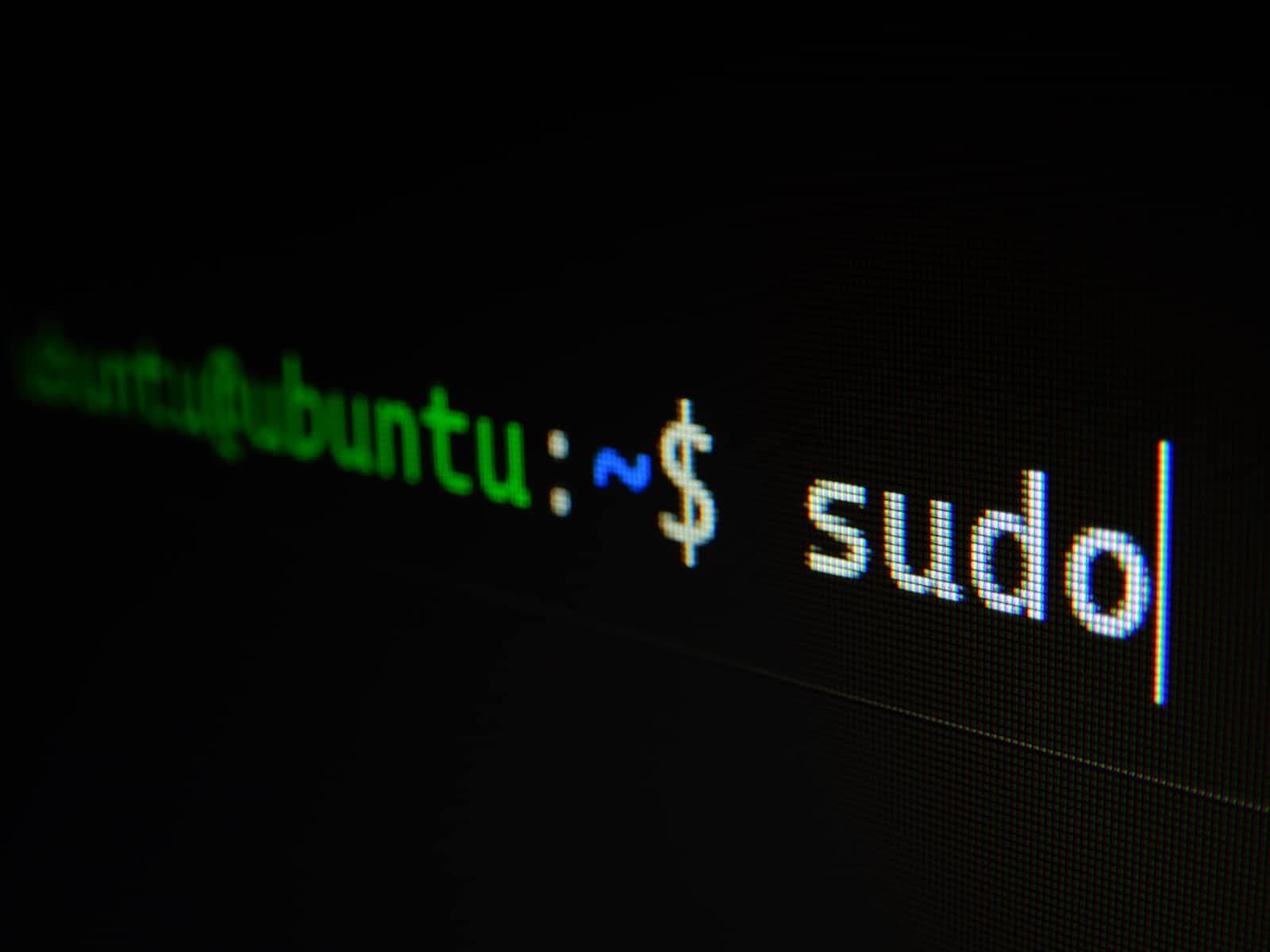
From smartphones to cars, supercomputers and home appliances, home desktops to enterprise servers, the Linux operating system is everywhere.
Linux has been around since the mid-1990s and has since reached a user base that spans the globe. Linux is actually everywhere: It's in your phones, your thermostats, in your cars, refrigerators, Roku devices, and televisions. It also runs most of the Internet, all of the world’s top 500 supercomputers, and the world’s stock exchanges.
But besides being the platform of choice to run desktops, servers, and embedded systems across the globe, Linux is one of the most reliable, secure, and worry-free operating systems available.
Linux is commonly used for servers nowadays amongst most companies since most of the current user base uses Windows or MacOS since they're more user-friendly than Linux distros.
What is Linux?
Just like Windows, iOS, and Mac OS, Linux is an operating system. In fact, one of the most popular platforms on the planet, Android, is powered by the Linux operating system. An operating system is a software that manages all of the hardware resources associated with your desktop or laptop. To put it simply, the operating system manages the communication between your software and your hardware. Without the operating system (OS), the software wouldn't function.
Why should developers or system administrators get used to Linux?
As I've previously mentioned, Linux is mostly used amongst devices that require no user interface at all and usually need to be as lightweight as possible. Unlike Windows or MacOS, Linux is very lightweight and it can run smoothly on just 1 GB of ram or even on 512 MB ram in some cases. Due to Linux being very lightweight, most companies tend to use them as their main server Operating System unless they're running certain software that requires Windows or MacOS which is quite rare nowadays. Due to Linux being used for servers, developers and system administrators should get used to the Linux command line to make sure when they're testing, they don't need to wait on others to help out with hosting the web app each time. Most system administrators are trained to work with Linux from the very beginning along with Windows right after since there is still important software that can only be run on Windows.
How do you get comfortable with the Linux command line (CLI)?
Usually, most people would consider system administration courses and I totally agree! However, if you're wanting to start out for free, I'd suggest getting a small VPS from a hosting provider which would allow you to get used to Linux by testing commands. It wouldn't cost much compared to system administration courses & if you do anything wrong, you can just reinstall it with a few clicks.
Finding the right hosting provider for you
Most providers usually work for testing environments, however, there are only a few providers who go out of their way to provide support when it's a user error. Below you will find a few providers I personally recommend.
TechHost is a hosting provider that truly cares about its clients & listens to its customer's thoughts. They are globally available and offer a 99.99% SLA on all of the services they offer, no matter where you are! Their aim is to be affordable, secure, and, reliable which I'm sure they've succeeded in already. Use code WELCOME for 15% off your order.
DigitalOcean is a managed hosting provider that provides multiple one-click installs which is really handy when you're trying to have something done fast. They offer a 99.99% uptime SLA on VMs and Block Storage. According to their homepage statistics, they serve 598k clients worldwide.
AWS is another managed hosting provider that provides multiple production features that other providers don't! AWS also offers a 99.99% uptime SLA on most of the services they offer along with many step by step short tutorials.